Images & Prompts
Overview
| Style | Description | Quality | Credits | Image Results | AI Model |
|---|---|---|---|---|---|
| Explorer | Create images with prompts | Simple | 1 | 1-4 per session | black-forest-labs/flux-schnell |
| FreeContext | Create images with prompts and instructions using reference images | Fine | 2 | 1 per session | google/nano-banana |
| FreeStyle | Create images with prompts | Pro | 3 | 1 per session | google/imagen-4-fast |
| Best | 4 | 1 per session | google/imagen-4 | ||
| Ultra | 5 | 1 per session | google/imagen-4-ultra | ||
| Transform | Edit and transform images with prompts | Pro | 3 | 1 per session | black-forest-labs/flux-kontext-dev |
| Best | 4 | 1 per session | black-forest-labs/flux-kontext-pro | ||
| Ultra | 5 | 1 per session | black-forest-labs/flux-kontext-max | ||
| Fusion | Combine 2 images | Pro | 3 | 1 per session | flux-kontext-apps/multi-image-kontext-pro |
| Best | 4 | 1 per session | flux-kontext-apps/multi-image-kontext-max | ||
| Restore Photo | Fix scratches, damage, and colorize old photos | Fine | 2 | 1 per session | flux-kontext-apps/restore-image |
| Remove Text | Remove all text from images | Fine | 2 | 1 per session | flux-kontext-apps/text-removal |
| Remove Background | Remove background from images | Simple | 1 | 1 per session | recraft-ai/recraft-remove-background |
| Deep Effect | Bring your subjects into focus | Fine | 2 | 1 per session | flux-kontext-apps/depth-of-field |
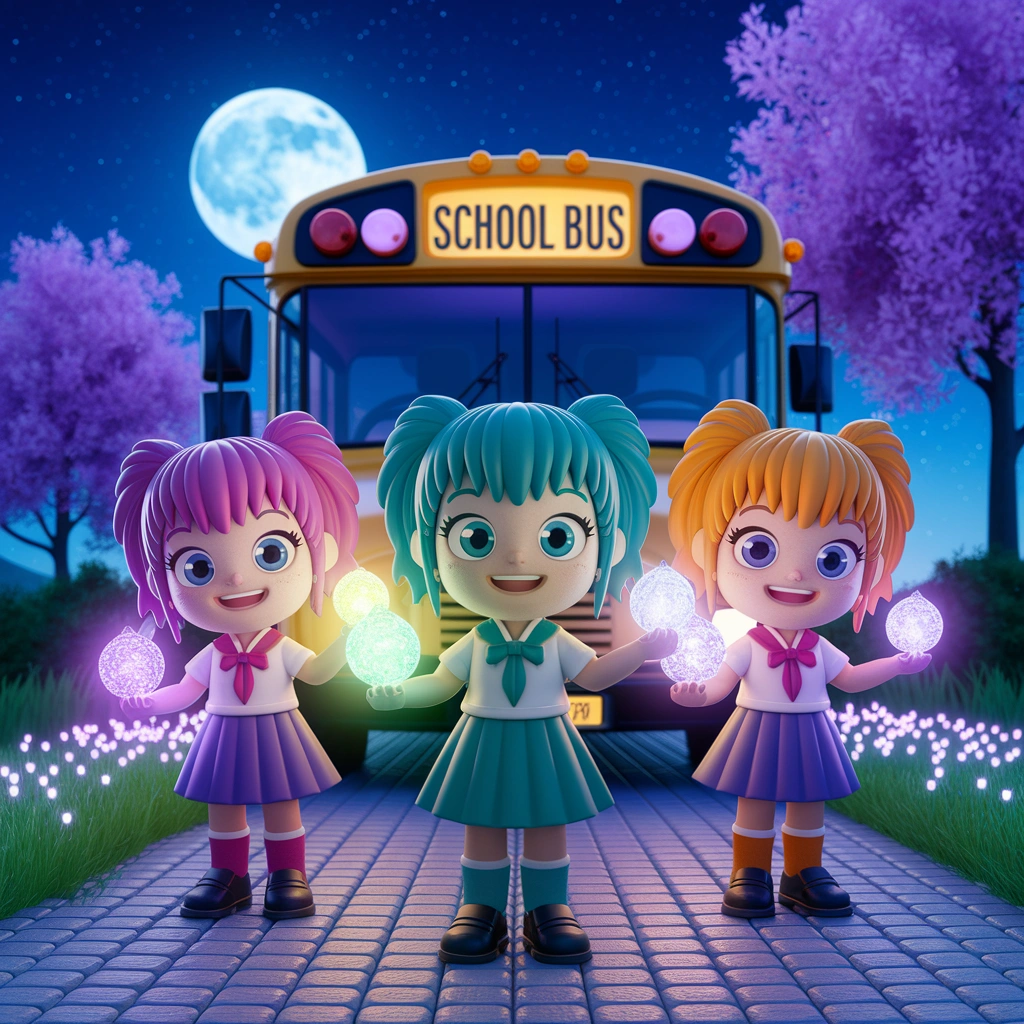
| Anime | Cartoon and animation style artwork | Pro | 3 | 1 per session | ideogram-ai/ideogram-v2a-turbo |
| Best | 4 | 1 per session | ideogram-ai/ideogram-v2a | ||
| Render 3D | 3D rendered objects and scenes | Pro | 3 | 1 per session | ideogram-ai/ideogram-v2a-turbo |
| Best | 4 | 1 per session | ideogram-ai/ideogram-v2a | ||
| Auto | Enhances your prompt automatically | Pro | 3 | 1 per session | ideogram-ai/ideogram-v3-turbo |
| Best | 4 | 1 per session | ideogram-ai/ideogram-v3-balanced | ||
| Ultra | 5 | 1 per session | ideogram-ai/ideogram-v3-quality | ||
| Design | Typography, branding, and graphic design | Pro | 3 | 1 per session | ideogram-ai/ideogram-v3-turbo |
| Best | 4 | 1 per session | ideogram-ai/ideogram-v3-balanced | ||
| Ultra | 5 | 1 per session | ideogram-ai/ideogram-v3-quality | ||
| Realistic | Photorealistic images and photography | Pro | 3 | 1 per session | ideogram-ai/ideogram-v3-turbo |
| Best | 4 | 1 per session | ideogram-ai/ideogram-v3-balanced | ||
| Ultra | 5 | 1 per session | ideogram-ai/ideogram-v3-quality |
Horizon
tip
Clicking on the image will open it in full size.
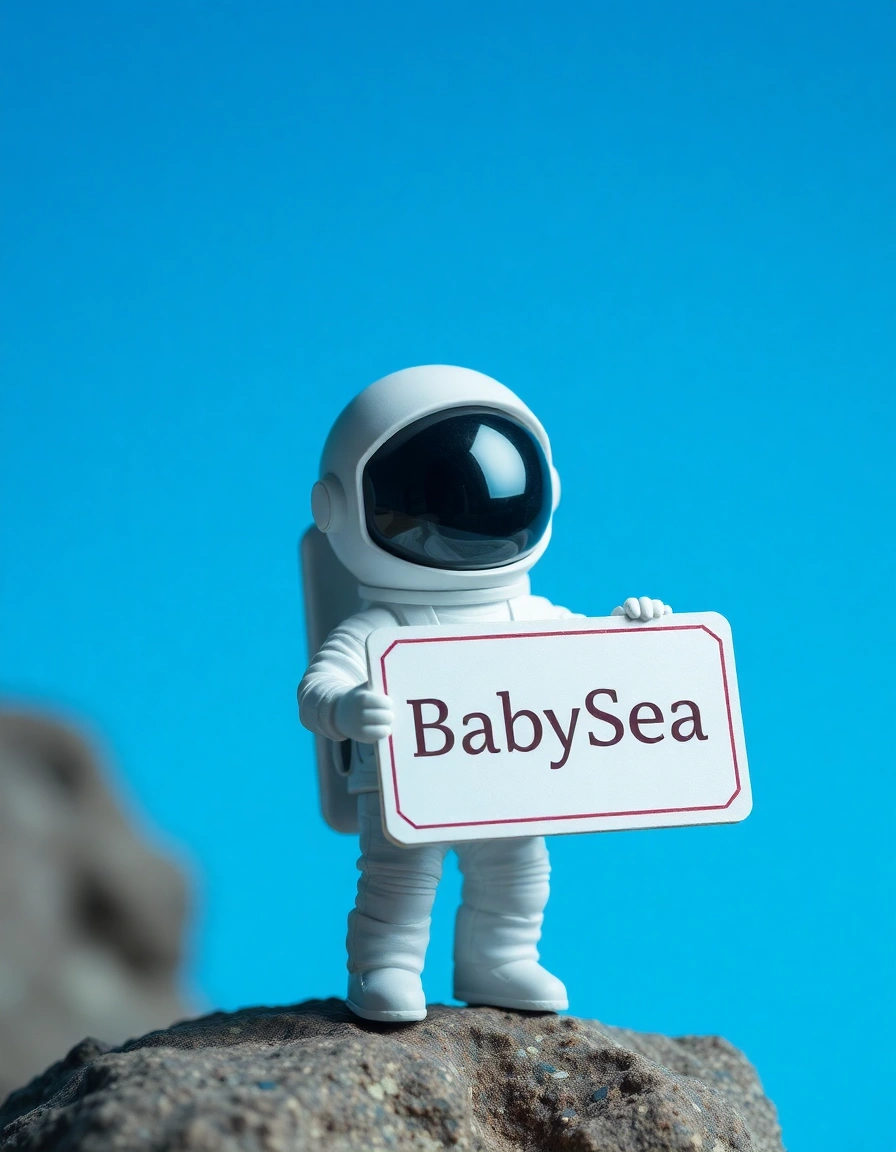
Explorer
Input
A tiny astronaut holding a sign that says "BabySea"
Output
Maker
tip
Clicking on the image will open it in full size.
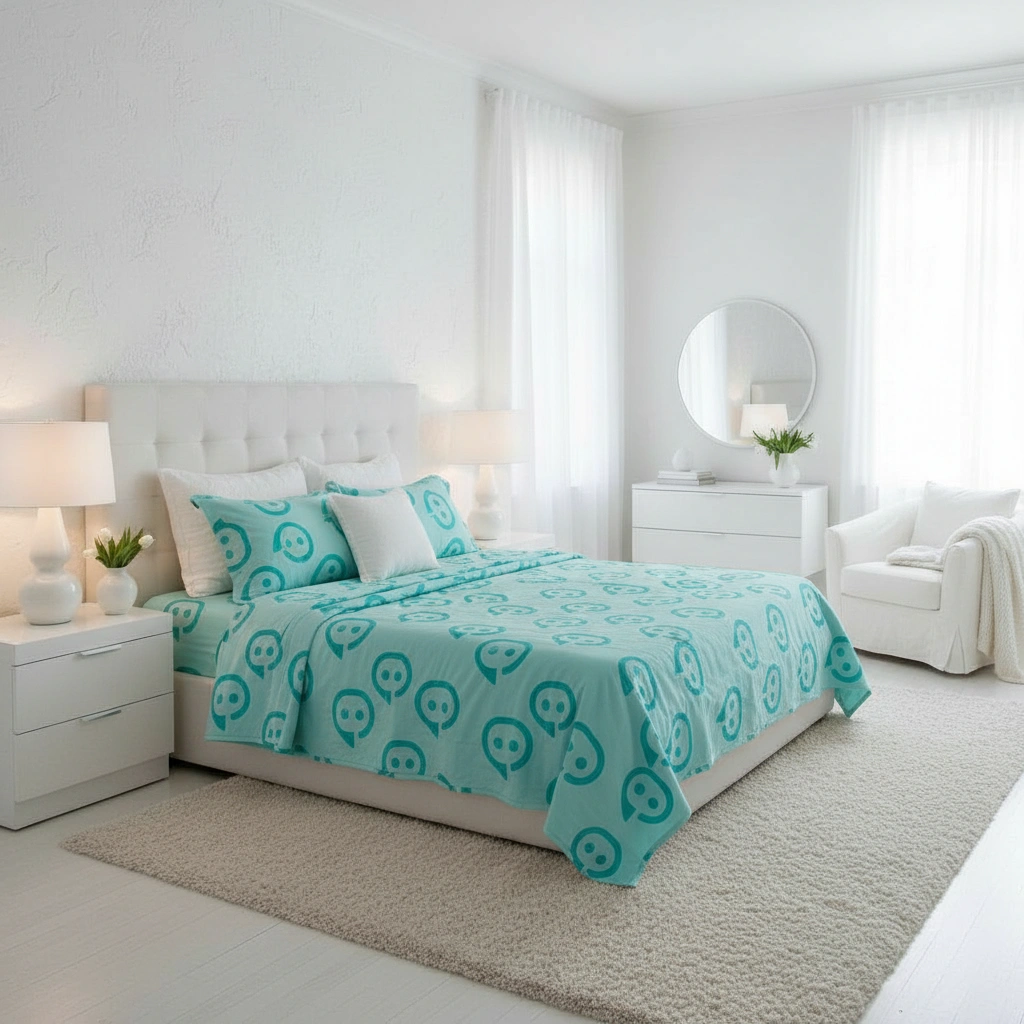
FreeContext
Input-1: Prompt
Make the sheets in the style of the logo. Make the scene natural
Input-2: Image (1)
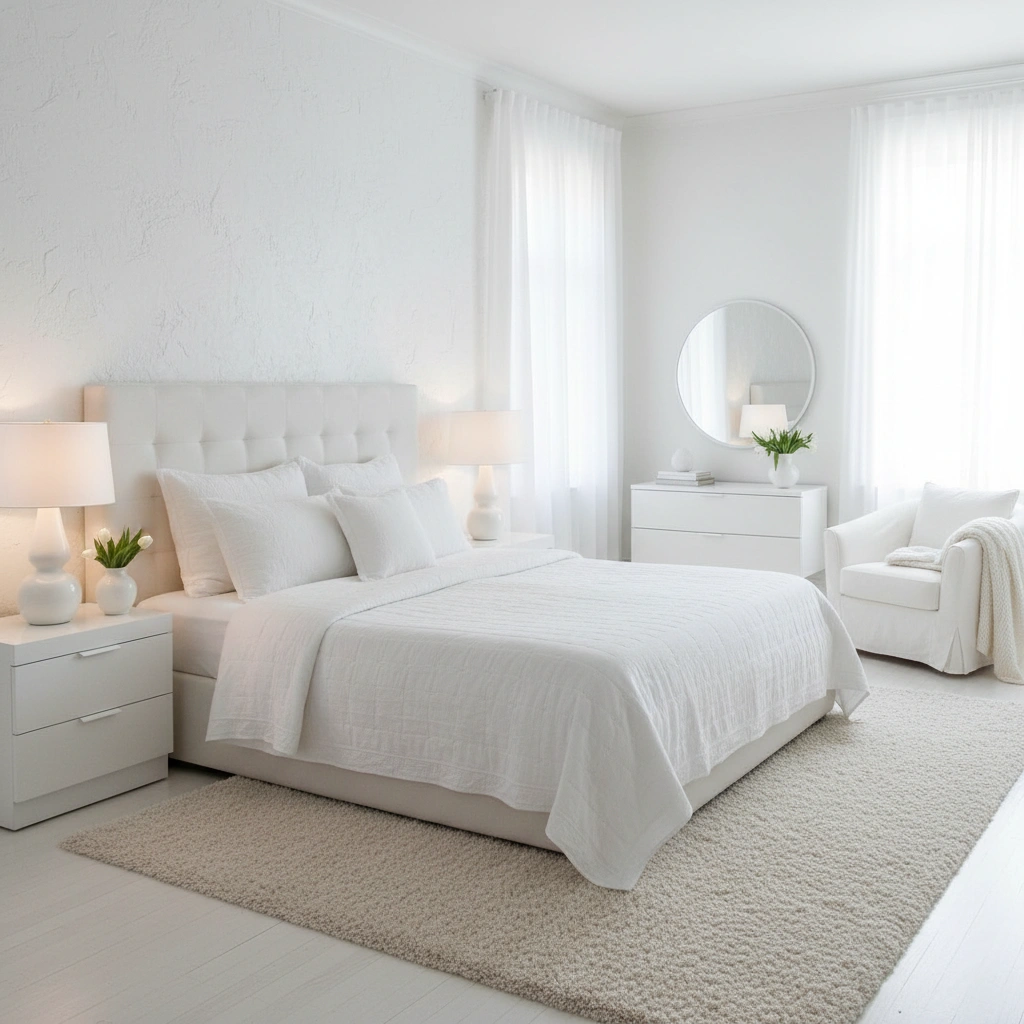
Input-3: Image (2)

Output
Persona
tip
Clicking on the image will open it in full size.
FreeStyle
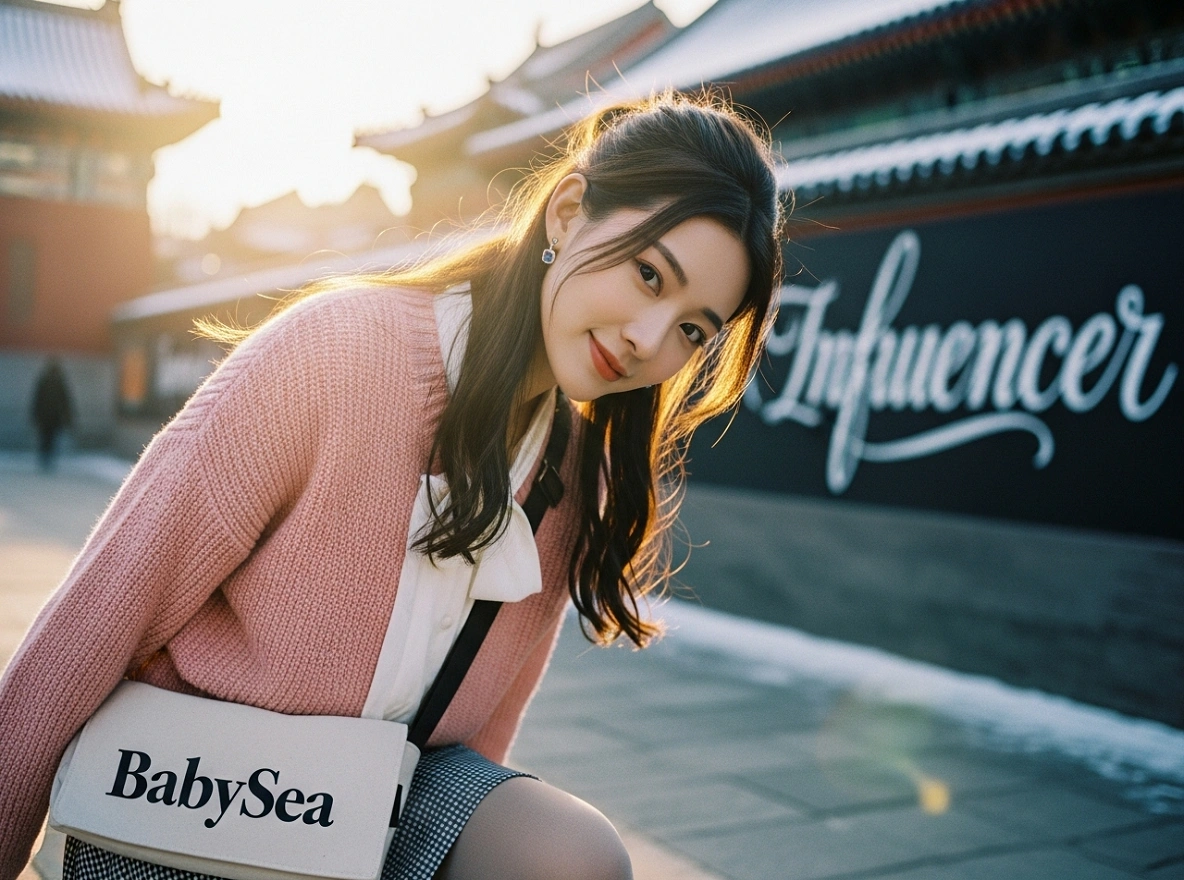
Input
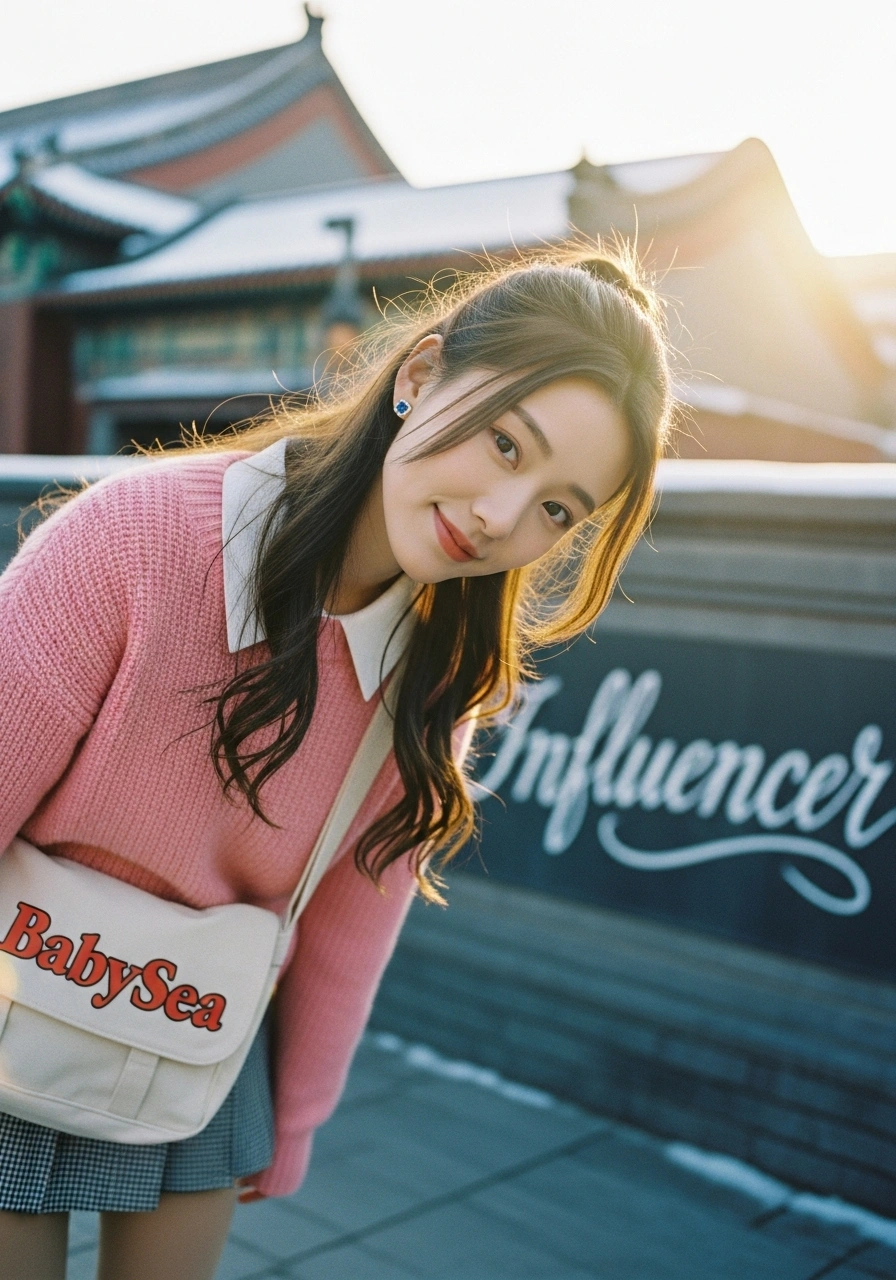
Create a cinematic, photorealistic medium shot capturing the nostalgic warmth of a mid-2000s indie film. The focus is a young Chinese woman with long ash-brown hair in a loose half-up style and pale porcelain skin, looking directly into the camera lens with a gentle smile, her head slightly tilted down. She wears a soft pastel pink knit sweater over a white blouse, paired with a checkered skirt and warm tights, with small sapphire stud earrings. She carries a canvas messenger bag with "BabySea" printed in stylized text. The lighting is soft, golden hour sunlight reflecting off snow-dusted rooftops, creating a dreamy glow and subtle lens flare. The background shows a blurred Beijing street with classical architecture and a wall featuring artistic graffiti that says "influencer" in elegant street art style, rendered with shallow depth of field. Natural film grain, warm clean palette dominated by soft whites, pinks, and blues, and sharp focus on her bright expressive eyes enhance the intimate, authentic feel
Output
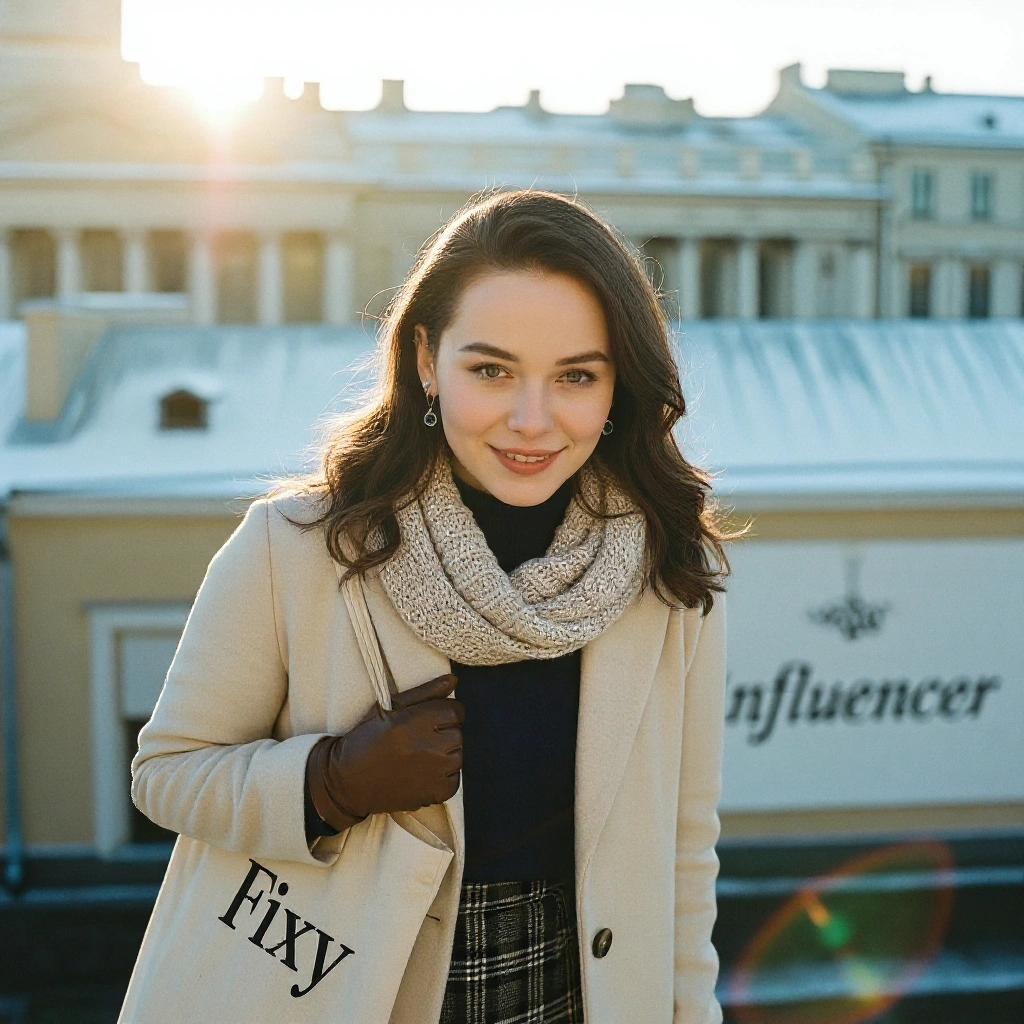
Fixy
tip
Clicking on the image will open it in full size.
Transform
Use case ➜ Replace text
Input-1: Prompt
Replace "BABYSEA" with "Fixy"
Input-2: Image
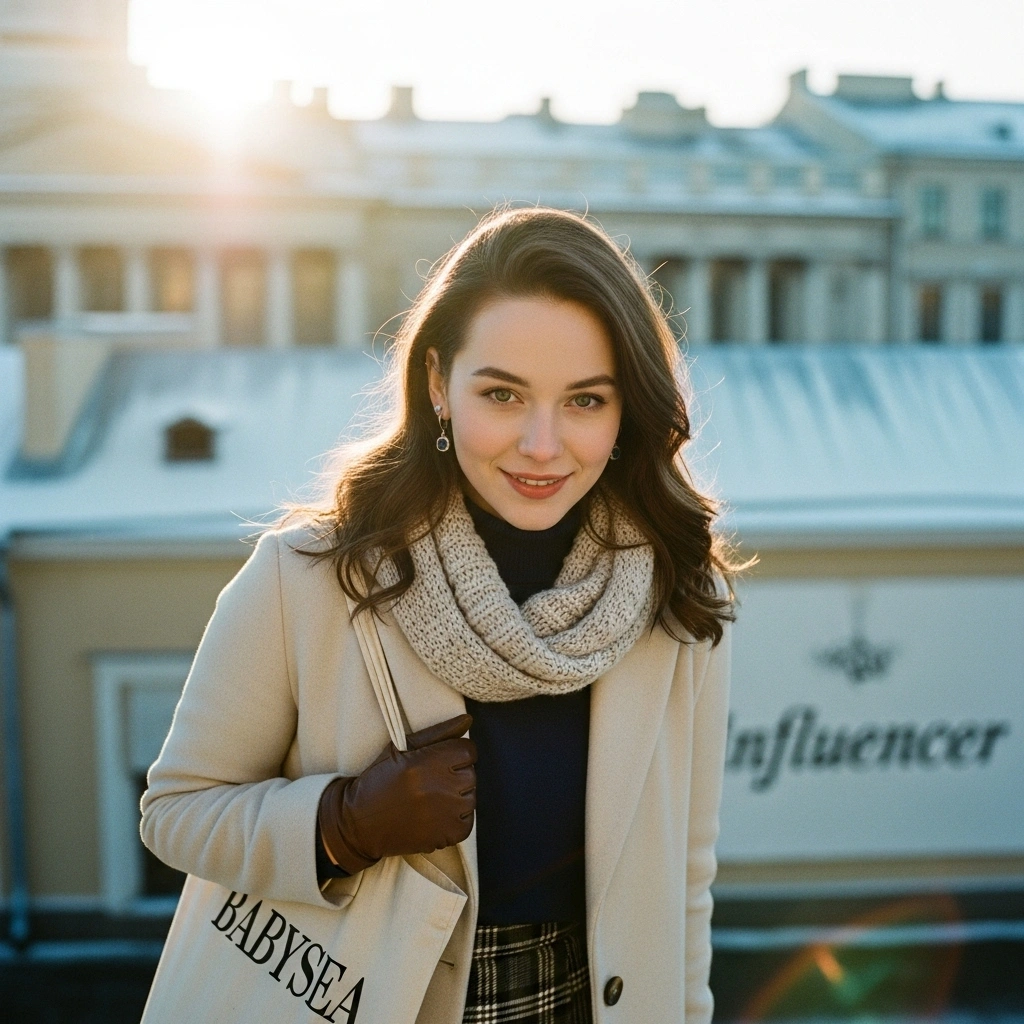
Output
Use case ➜ Transform photo
Input-1: Prompt
Make this a 90s cartoon
Input-2: Image
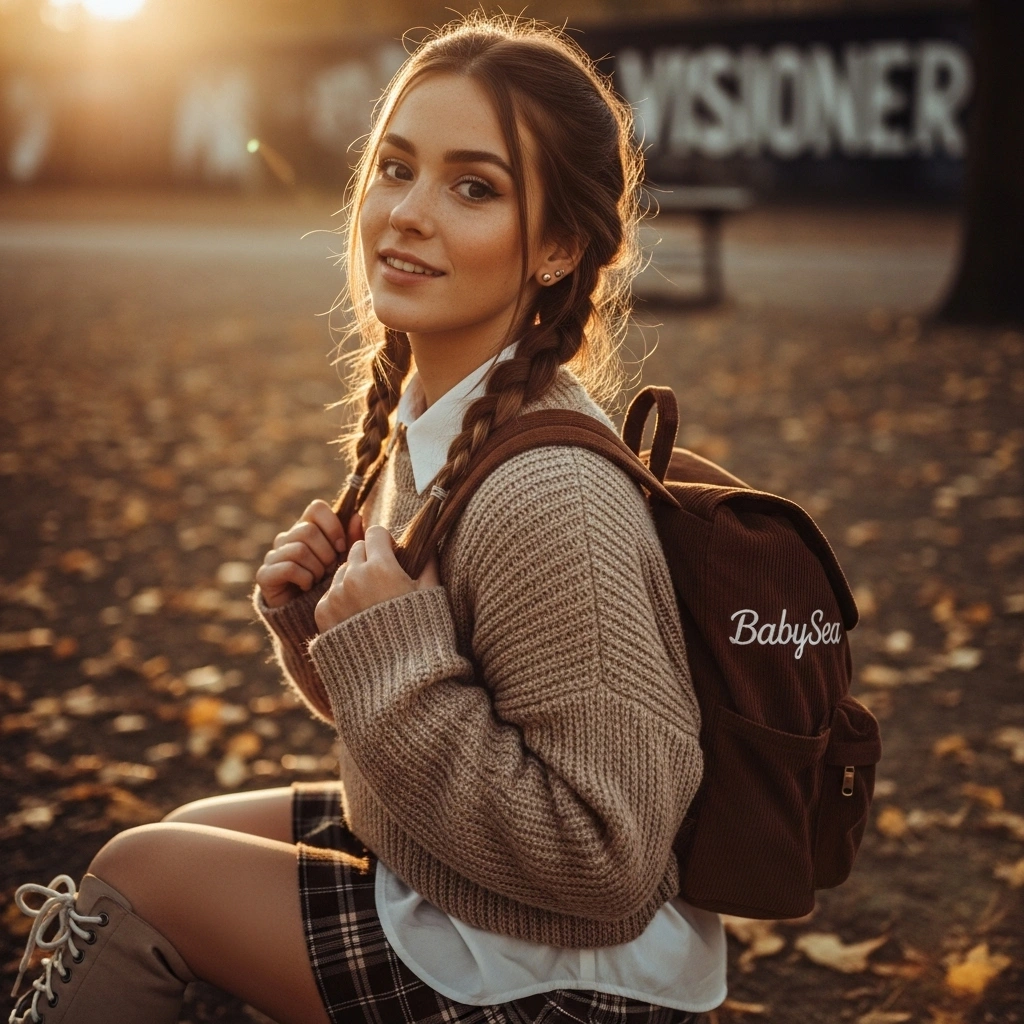
Output

Fusion
In progress...
Restore Photo
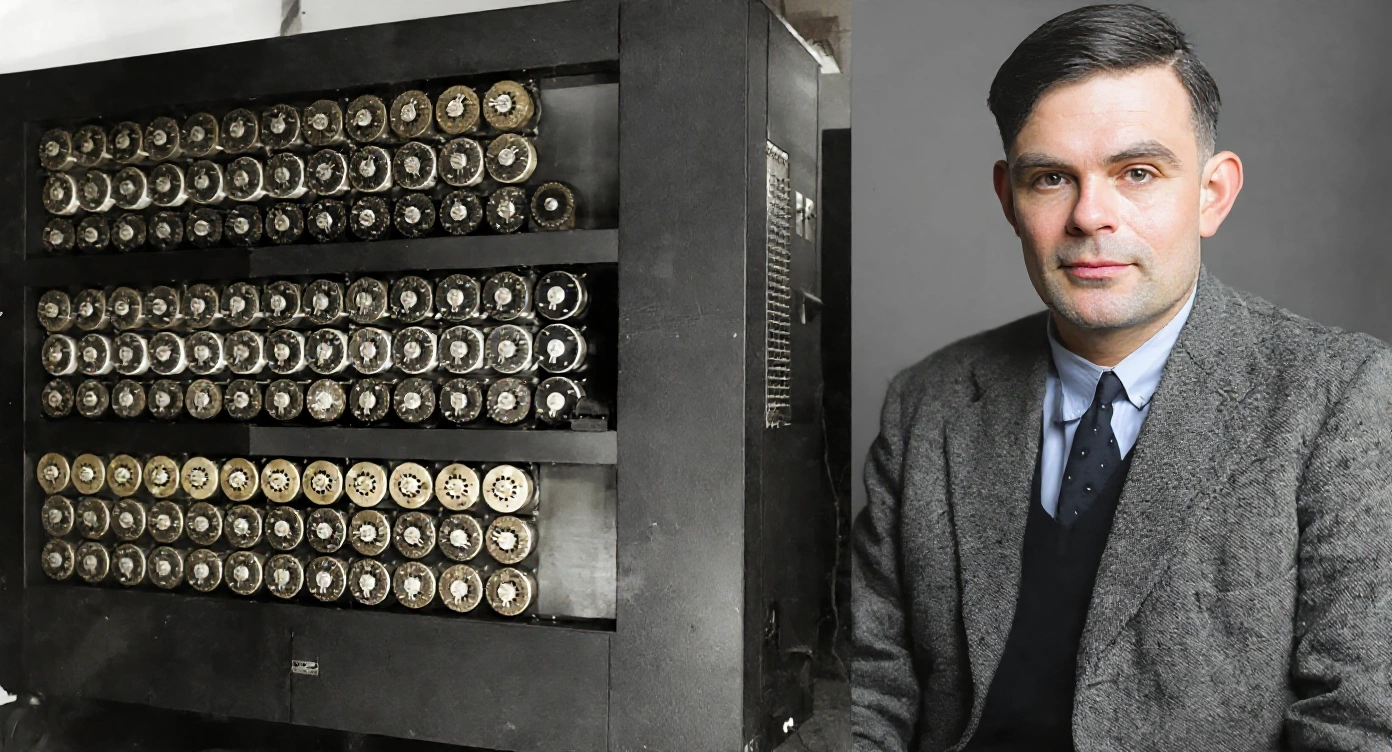
Input
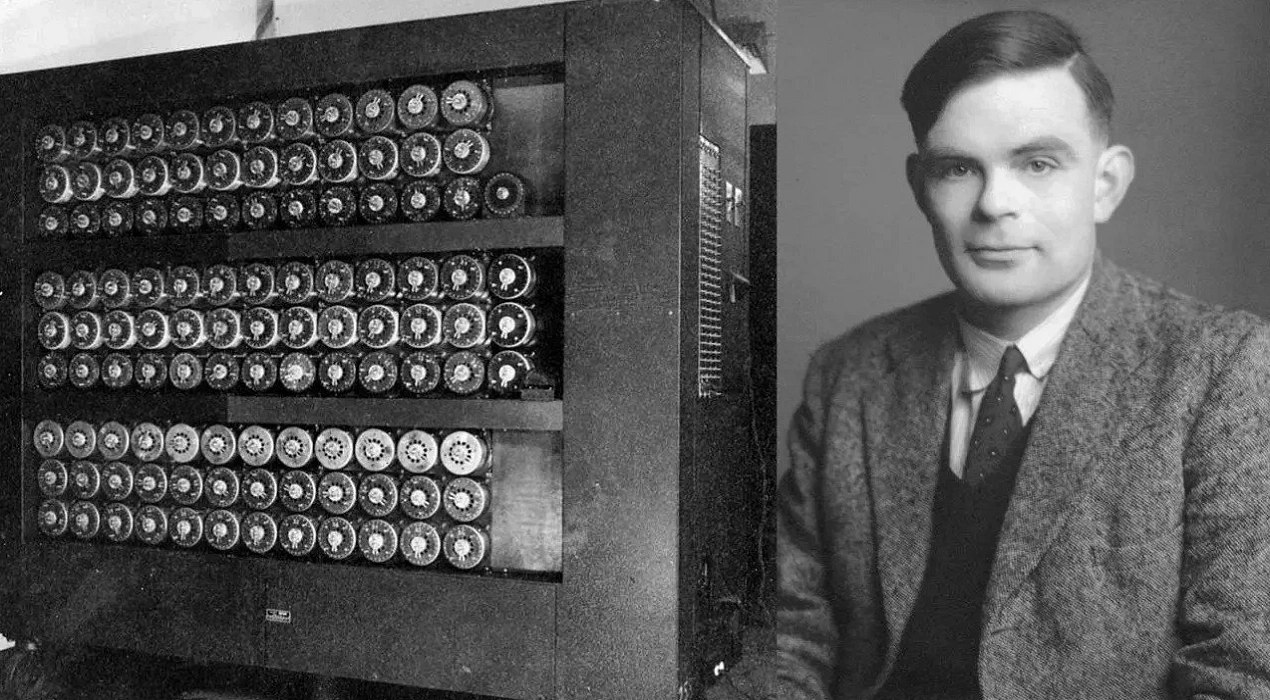
Output
Remove Text
Input
Output

Remove Background
Input
Output
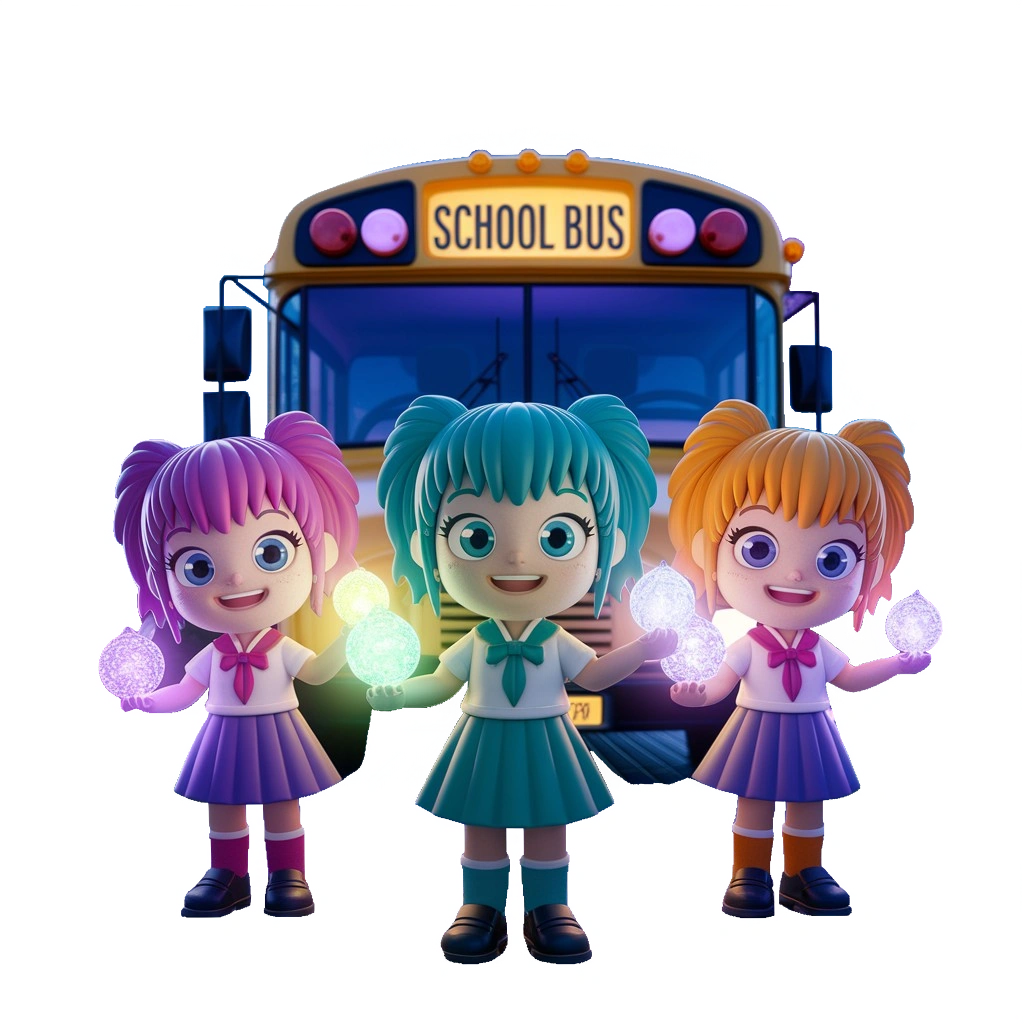
Deep Effect
Input
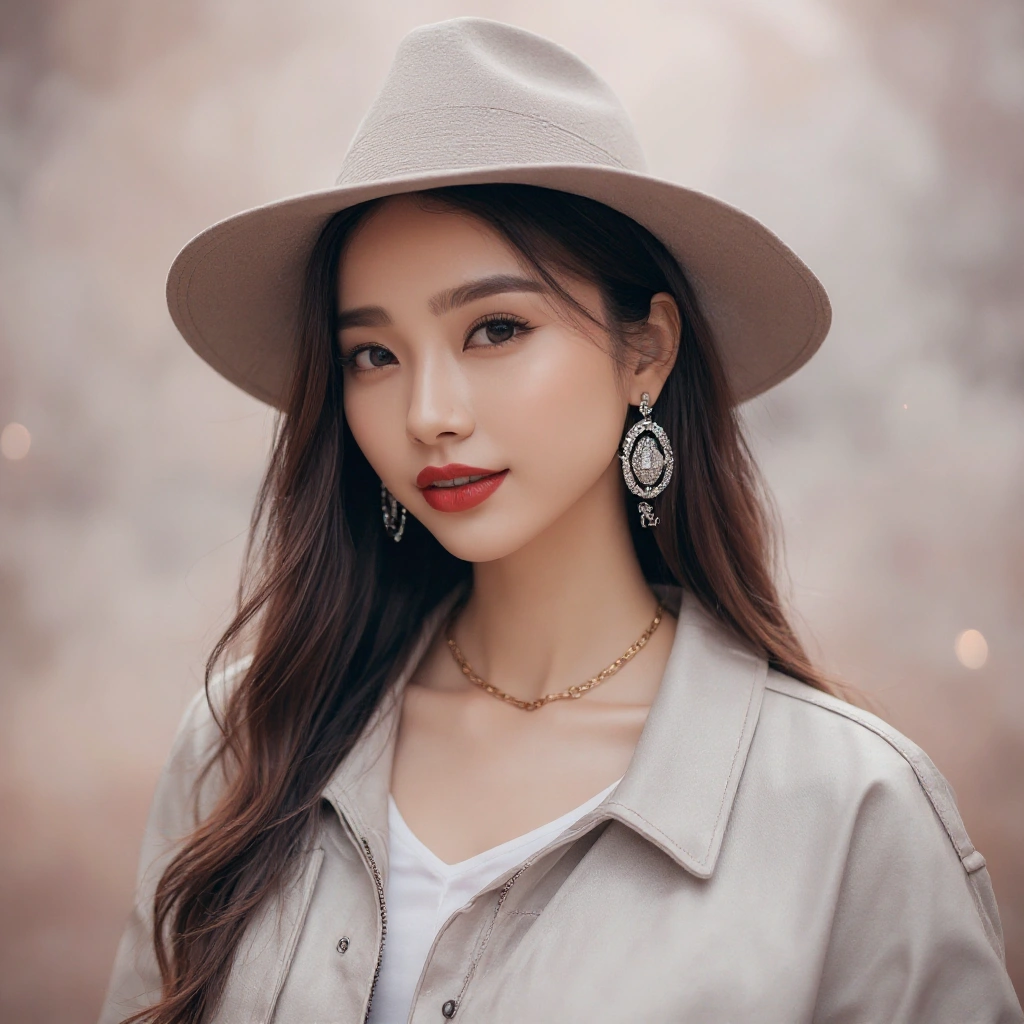
Effect Creamy smooth bokeh
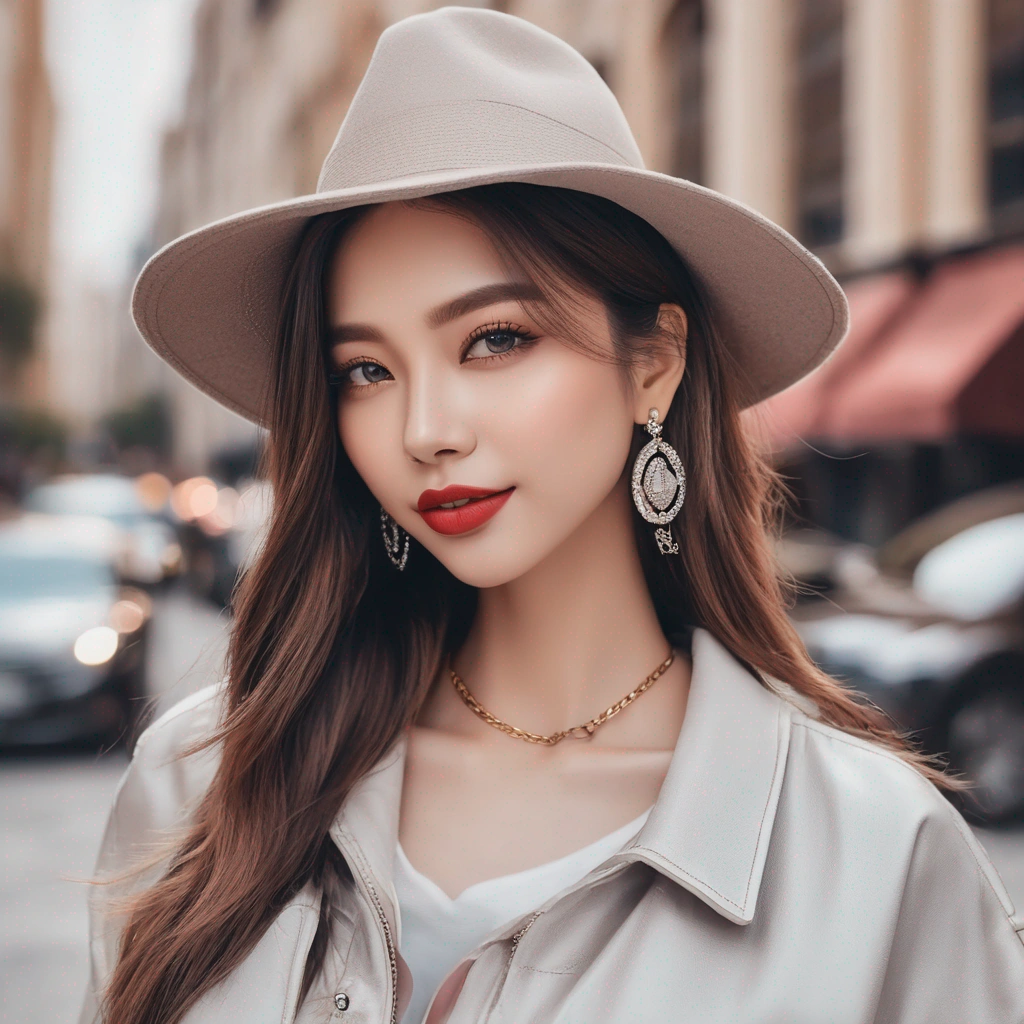
Output
Canvas
tip
Clicking on the image will open it in full size.
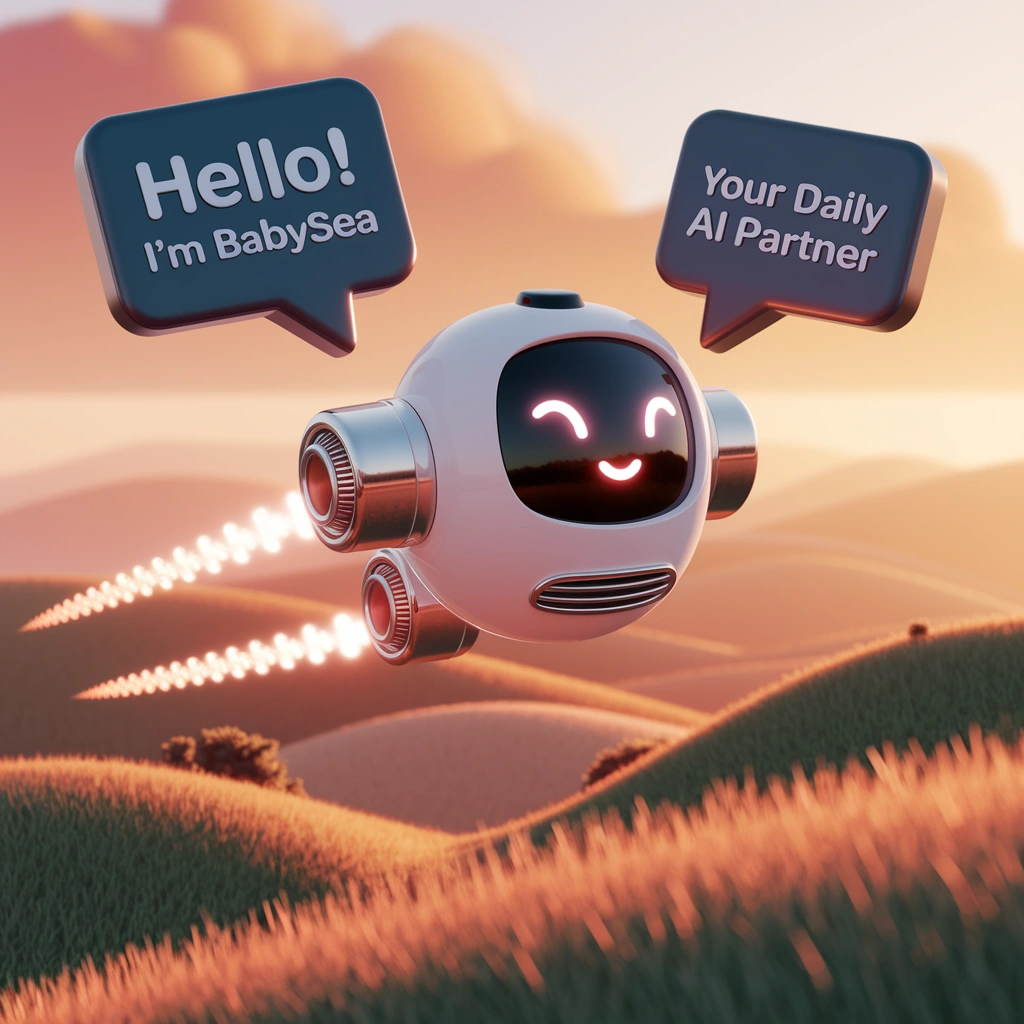
Anime
Input
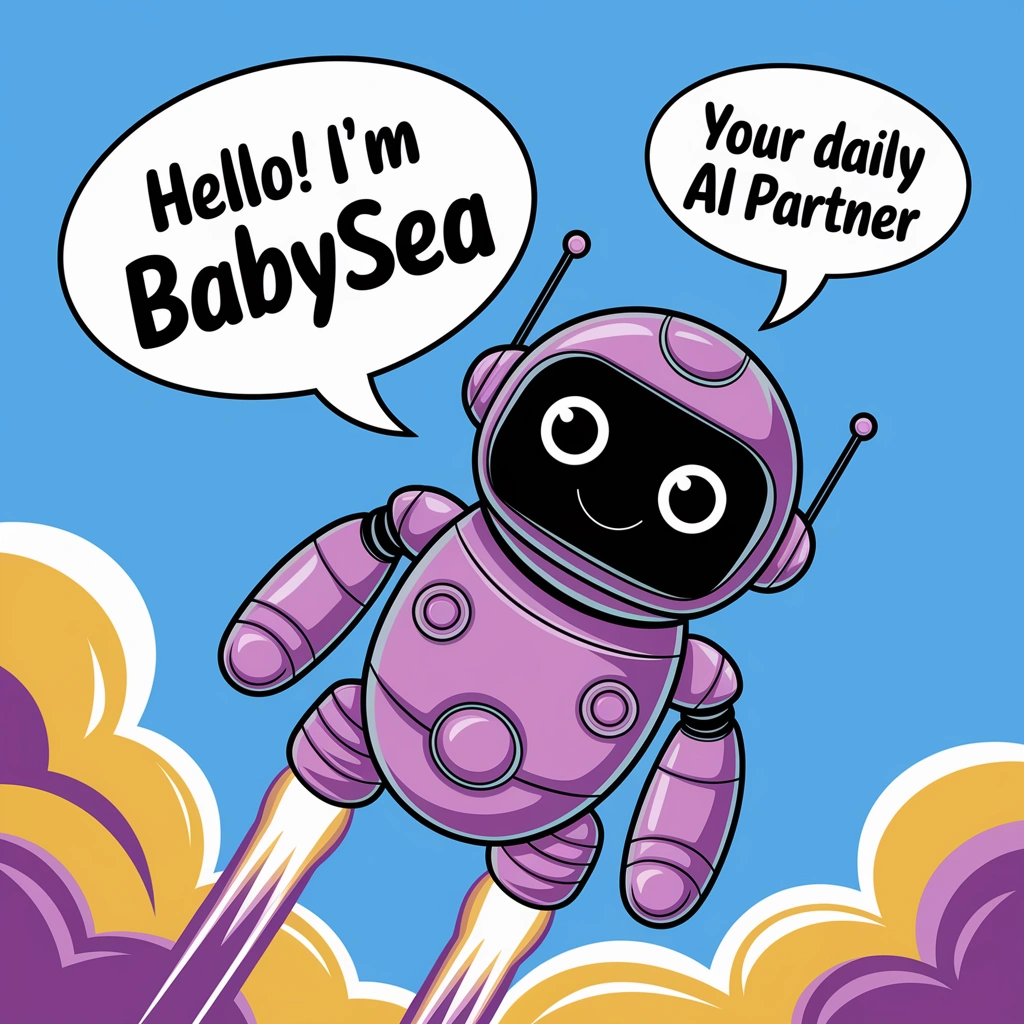
Vector art of a friendly robot, in a speech bubble it says "Hello! I'm BabySea" in a friendly font, in a second speech bubble it says "Your Daily AI Partner", the robot is flying through the sky with turbo boosters
Output
Render 3D
Input
Vector art of a friendly robot, in a speech bubble it says "Hello! I'm BabySea" in a friendly font, in a second speech bubble it says "Your Daily AI Partner", the robot is flying through the sky with turbo boosters
Output
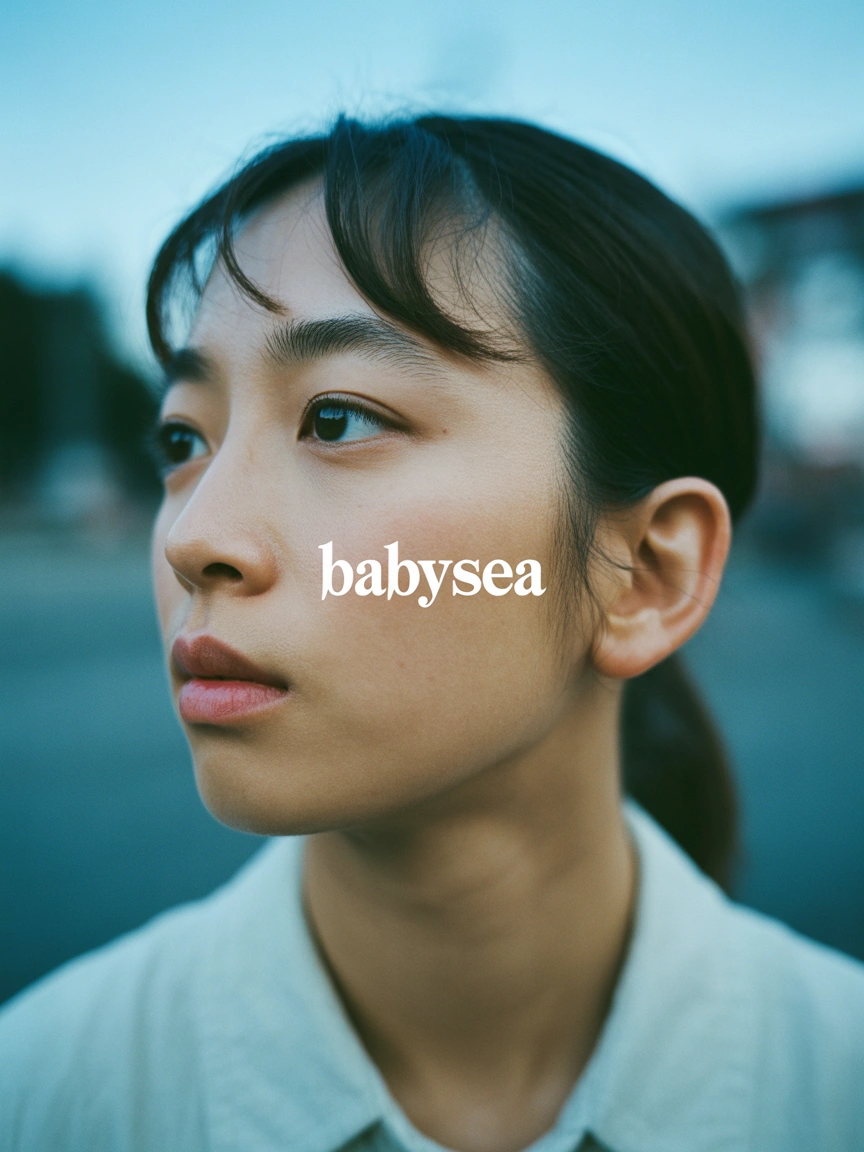
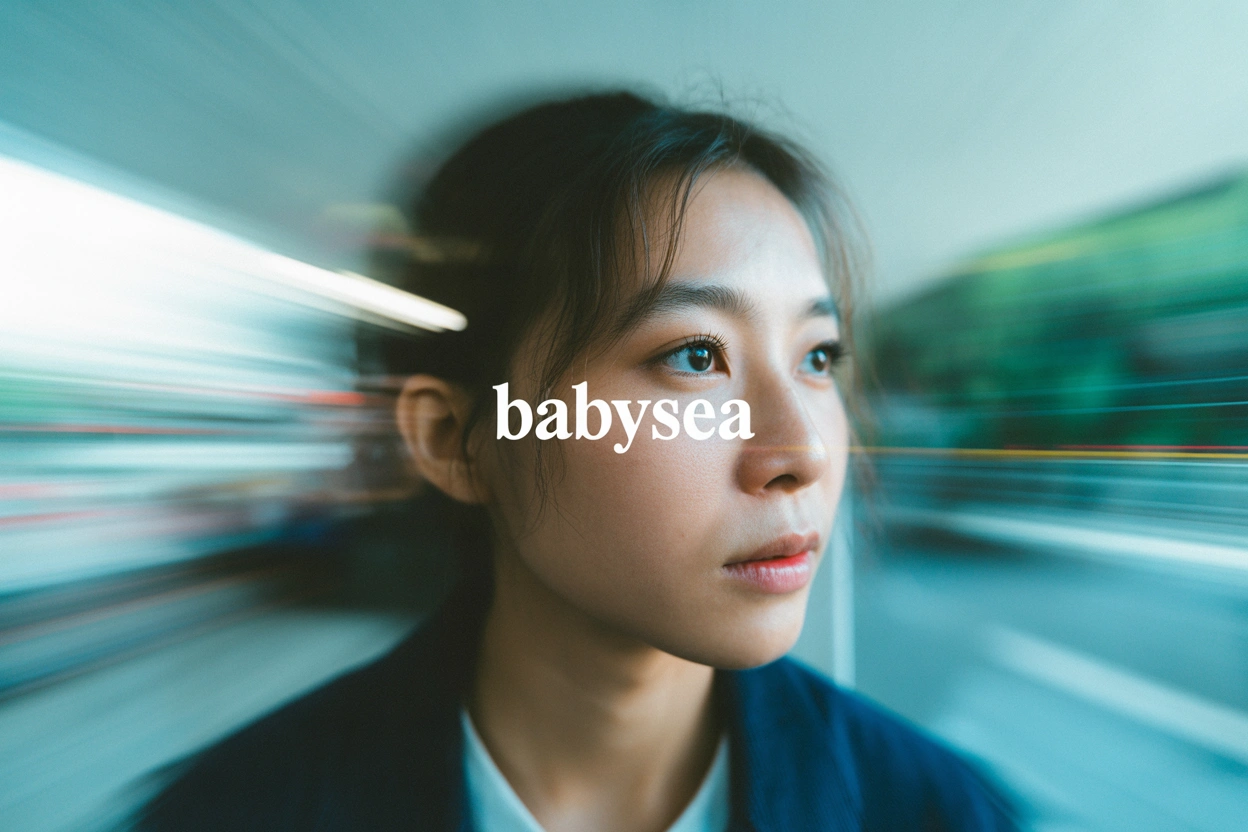
Auto
Input
The text "BabySea" in the center middle. A color film-inspired portrait of a young Korean woman looking to the side with a shallow depth of field that blurs the surrounding elements, drawing attention to his eye. The fine grain and cast suggest a high ISO film stock, while the wide aperture lens creates a motion blur effect, enhancing the candid and natural documentary style
Output
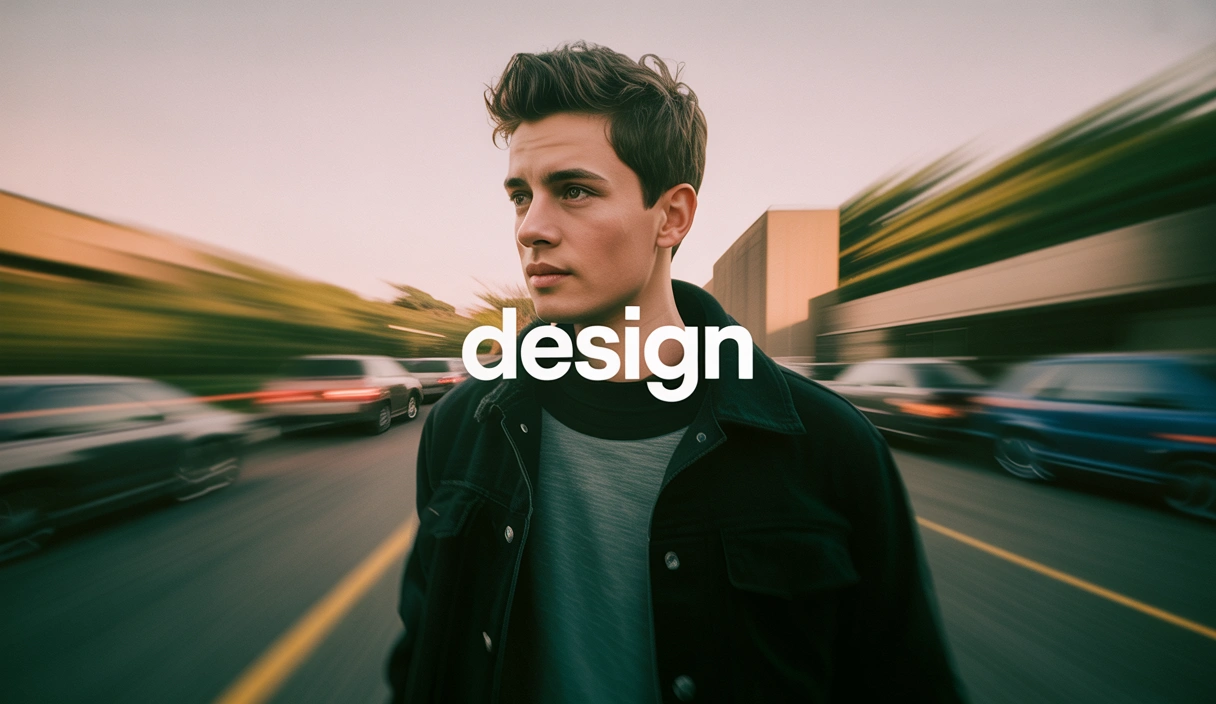
Design
Input
The text "Design" in the center middle. A color film-inspired portrait of a young man looking to the side with a shallow depth of field that blurs the surrounding elements, drawing attention to his eye. The fine grain and cast suggest a high ISO film stock, while the wide aperture lens creates a motion blur effect, enhancing the candid and natural documentary style
Output
Realistic
Input
The text "BabySea" in the center middle. A color film-inspired portrait of a young Korean woman looking to the side with a shallow depth of field that blurs the surrounding elements, drawing attention to his eye. The fine grain and cast suggest a high ISO film stock, while the wide aperture lens creates a motion blur effect, enhancing the candid and natural documentary style
Output